

For most Galway group tours, WhatsApp is the right default. It runs on every device, carries end-to-end encryption by default, and nearly everyone already has it installed. According to PCMag’s testing, the single biggest factor in group coordination success is choosing a platform where most participants are already active. Features come second.
Top picks at a glance:
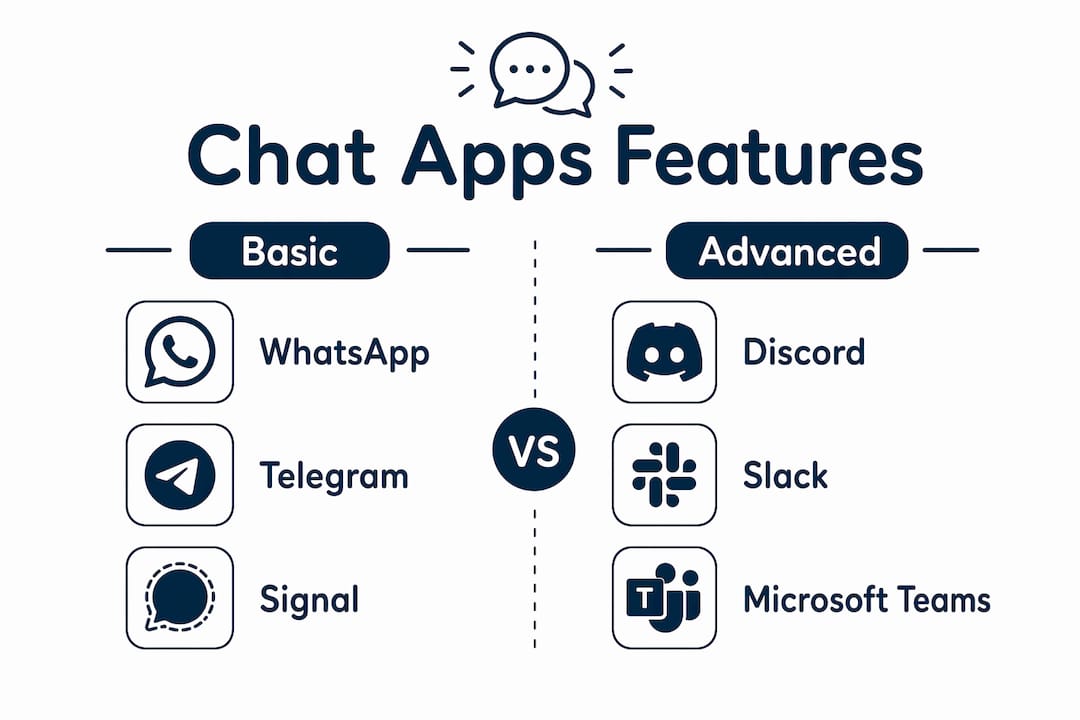
- WhatsApp — Best for most groups; quick onboarding
- Signal — Best for privacy-sensitive groups handling personal data; moderate onboarding time
- Telegram — Best for large tourist groups needing moderation; longer onboarding
- Discord — Best for multi-day or social-first tours wanting voice channels; extensive onboarding time
Table of Contents
- What are the best group chat apps for event organizers?
- How to set up your group chat before the tour
- Advanced features worth using for multi-day tours
- Skip the app setup and let Pedalpowergalway handle it
- Key Takeaways
What are the best group chat apps for event organizers?
The table below covers the dimensions that actually matter when you’re coordinating a Galway cycling tour or pub crawl.
| App | Best for | Platforms | Encryption | Group size / moderation | Polls / RSVP | Voice / video | Cost | Onboarding |
|---|---|---|---|---|---|---|---|---|
| Low-friction coordination | iOS, Android, web, desktop | E2E by default | Large groups; basic admin | Built-in polls | Yes | Free | Quick onboarding; phone number required | |
| Signal | Privacy-sensitive groups | iOS, Android, desktop | E2E by default | Large groups; basic admin | No native polls | Yes | Free | Moderate onboarding; phone number required |
| Telegram | Large tourist groups | iOS, Android, web, desktop | Optional (not default) | Unlimited; bot moderation | Polls + quizzes | Voice chats | Free / Premium | Longer onboarding; phone number required |
| Discord | Multi-day or social tours | iOS, Android, web, desktop | In transit | Unlimited; robust roles | No native polls | Low-latency voice | Free / Nitro | Extended onboarding; email account required |
| GroupMe | Mixed device groups | iOS, Android, web | In transit | basic | Polls available | No | Free | 5 min; SMS fallback |
| Slack | Corporate team-building | iOS, Android, web, desktop | In transit | 1:1 DMs free; paid for large org | Workflow integrations | Yes (paid) | Free / Pro+ | 20–30 min; email required |
Per-app trade-offs for organizers:
- WhatsApp: Widest reach, easiest invite via phone number. No scheduling integrations, but polls and pinned messages handle most RSVP needs.
- Signal: Nonprofit-owned with strong privacy defaults. Ideal when sharing attendee contact lists or payment links. Typically fewer participants have it installed.
- Telegram: Admin tools and bot integrations make it the preferred choice for large groups. Note that encryption is not default for group chats.
- Discord: Voice channels and persistent spaces fit multi-day tours with social spaces before and after events. Setup usually requires more time.
- GroupMe: The SMS fallback is its real differentiator. If even two or three participants don’t have smartphones, GroupMe keeps them in the loop without a separate email chain.
- Slack: Overkill for casual tours, but corporate team-building organizers who already use Microsoft 365 or Google Workspace will find the calendar and file integrations genuinely useful.
Scenario guide:
- Small friend group (under 20): WhatsApp, no question.
- Large tourist group (20–100+): Telegram for its moderation bots.
- Privacy-sensitive group: Signal, especially when sharing payment links.
- International participants: WhatsApp or Telegram; both work without a local SIM.
- Multi-day social tour: Discord for persistent voice and text channels.
Privacy and payment handling: Never share card numbers or bank details inside any chat app. Use a third-party payment link (Stripe, PayPal, or your operator’s booking page) and send it through an encrypted chat so the link itself stays private.
Pro Tip: PCMag’s research confirms that network-effect friction is the top reason group chats fail. If you want participants on a less-common app like Signal or Discord, send a short explainer video or screenshot guide with the invite. Reducing the “why do I need to download this?” friction by 30 seconds dramatically improves adoption.
How to set up your group chat before the tour
A clean setup prevents the last-minute scramble on the day.
- Create the group 7–10 days out. Name it clearly: “Galway Bike Tour — June 14.” Pin the date, meeting point, and operator contact at the top.
- Send invites with context. Include one sentence explaining why you chose this app. “We’re using WhatsApp because everyone already has it” removes resistance.
- Run a quick RSVP poll within 24 hours of creating the group. Confirm headcount before you finalize the booking.
- Share payment links separately, not in the main thread. A pinned message with the booking URL keeps it visible without getting buried.
- Set a backup channel. Email or SMS for anyone who drops off the app. Good event entertainment planning always accounts for communication gaps.
- Archive or mute the group after the tour. Participants appreciate not receiving messages weeks later.
Advanced features worth using for multi-day tours
For a multi-day cycling experience, a single WhatsApp group starts to feel cramped. Discord’s channel structure lets you separate logistics (#day-1-route), social (#photos), and announcements (#important-updates) so nothing gets buried. Its low-latency voice is genuinely useful for real-time coordination when the group splits across different pubs or checkpoints.
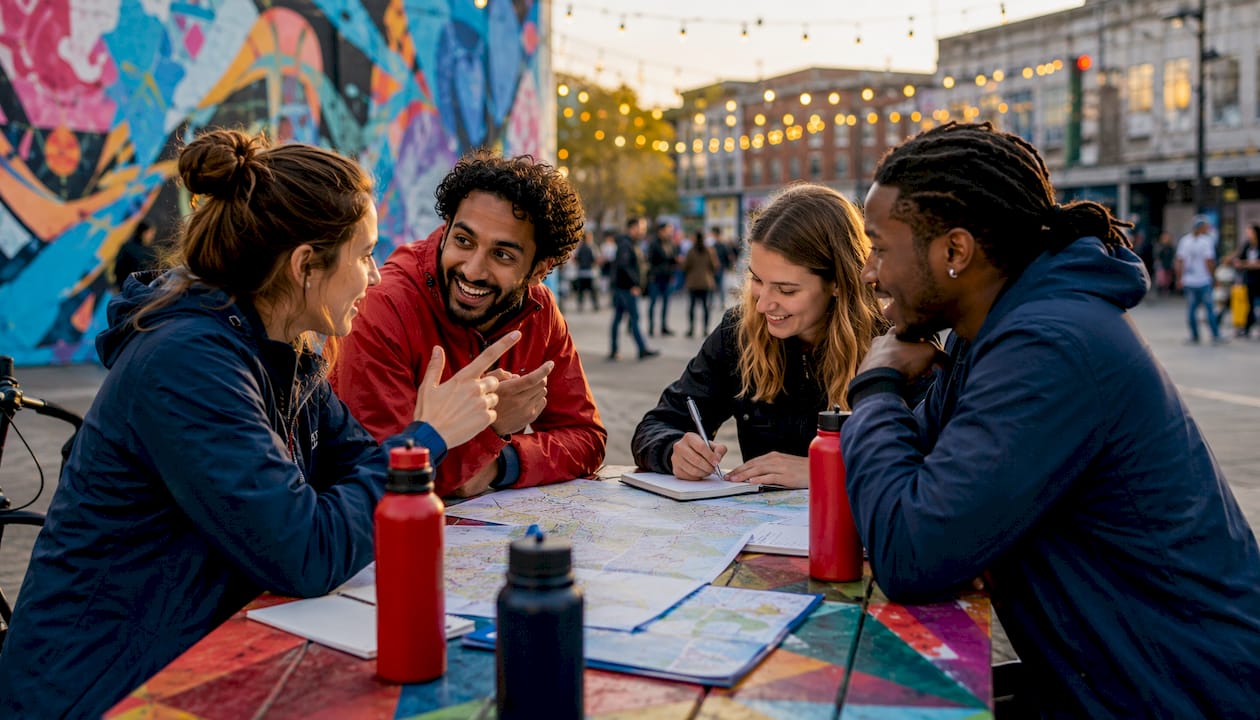
Telegram’s scheduled messages and moderation bots handle large groups without constant manual oversight. You can auto-screen new members and schedule reminder messages for each day’s meeting point. For organizers managing a venue entertainment calendar across multiple days, that automation saves real time.
Slack’s integrations with Google Calendar and Dropbox work well when corporate clients need to share itineraries, waivers, or branded assets before the event. It’s the only app here where file version control actually matters.
Skip the app setup and let Pedalpowergalway handle it
All of the above works. It also takes time, and it assumes every participant cooperates. There’s a simpler option.
Pedalpowergalway manages RSVPs, payments, and on-the-day coordination for group cycling tours in Galway, so you don’t need to build a communication stack from scratch. Book a hen party, stag do, birthday, or corporate team-building tour and the logistics are handled:
- Invites and RSVPs: Pedalpowergalway confirms group size and timing directly with the organizer.
- Secure payment collection: Payments go through the booking platform, not a group chat thread.
- On-day coordination: A guide manages the group on the ground, so you’re a participant, not a project manager.
Browse the full range of Galway group tours and confirm your date. Most group bookings are confirmed within 48 hours of inquiry.
Key Takeaways
For most Galway group tours, WhatsApp is the right starting point, but the best group chat app is always the one your participants will actually open.
| Point | Details |
|---|---|
| Ubiquity beats features | PCMag testing confirms adoption depends on where participants already are, not which app has the best tools. |
| Encryption matters for payments | Use WhatsApp or Signal when sharing payment links; never send card details in any chat. |
| Match app to group size | WhatsApp for under 20; Telegram for 20–100+; Discord for multi-day social tours. |
| Setup time varies | WhatsApp and GroupMe take 5 minutes; Discord requires 30 minutes for a proper server setup. |
| Pedalpowergalway removes the friction | Booking a tour through Pedalpowergalway means RSVPs, payments, and coordination are handled for you. |